BlockMania 2
Play ↗Intro
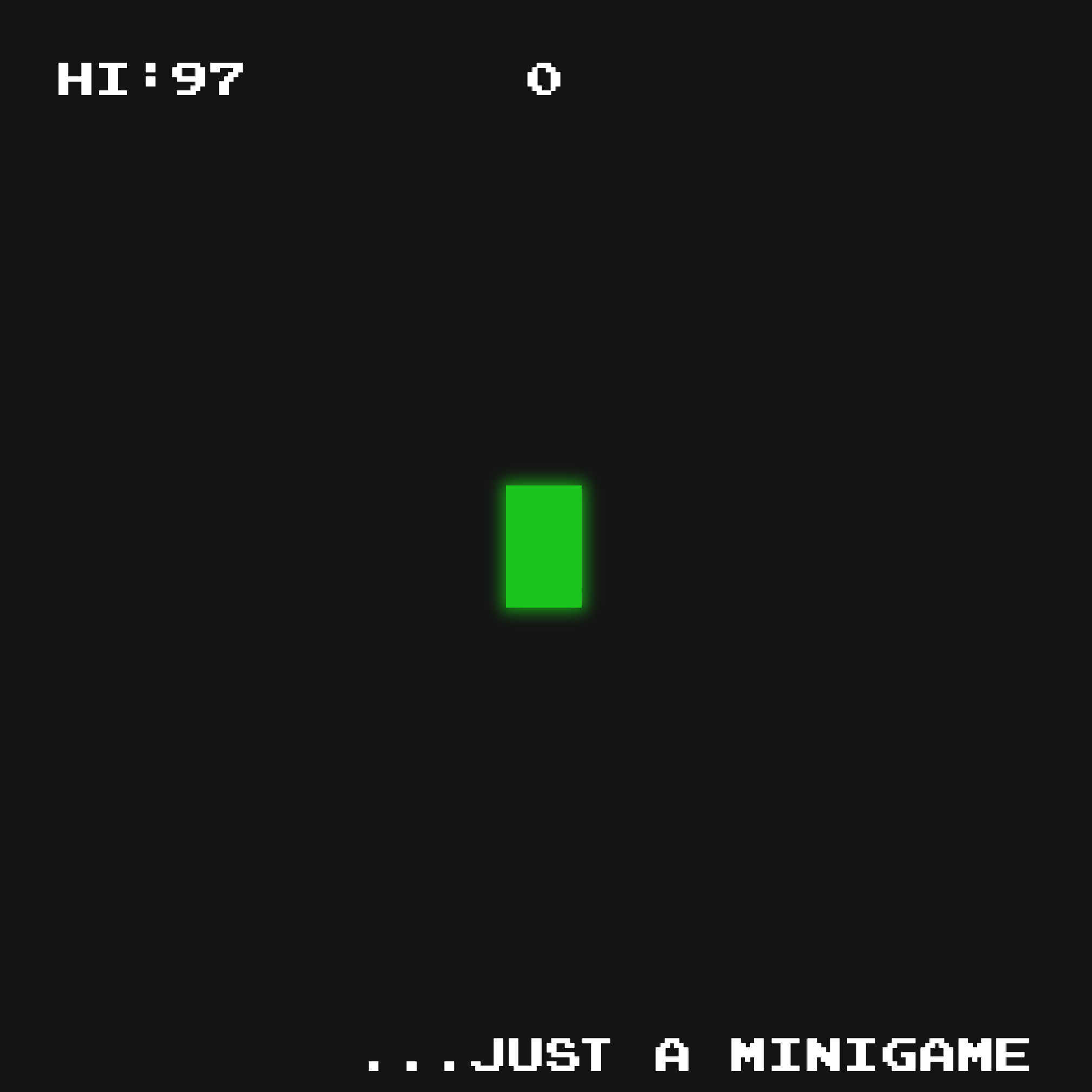
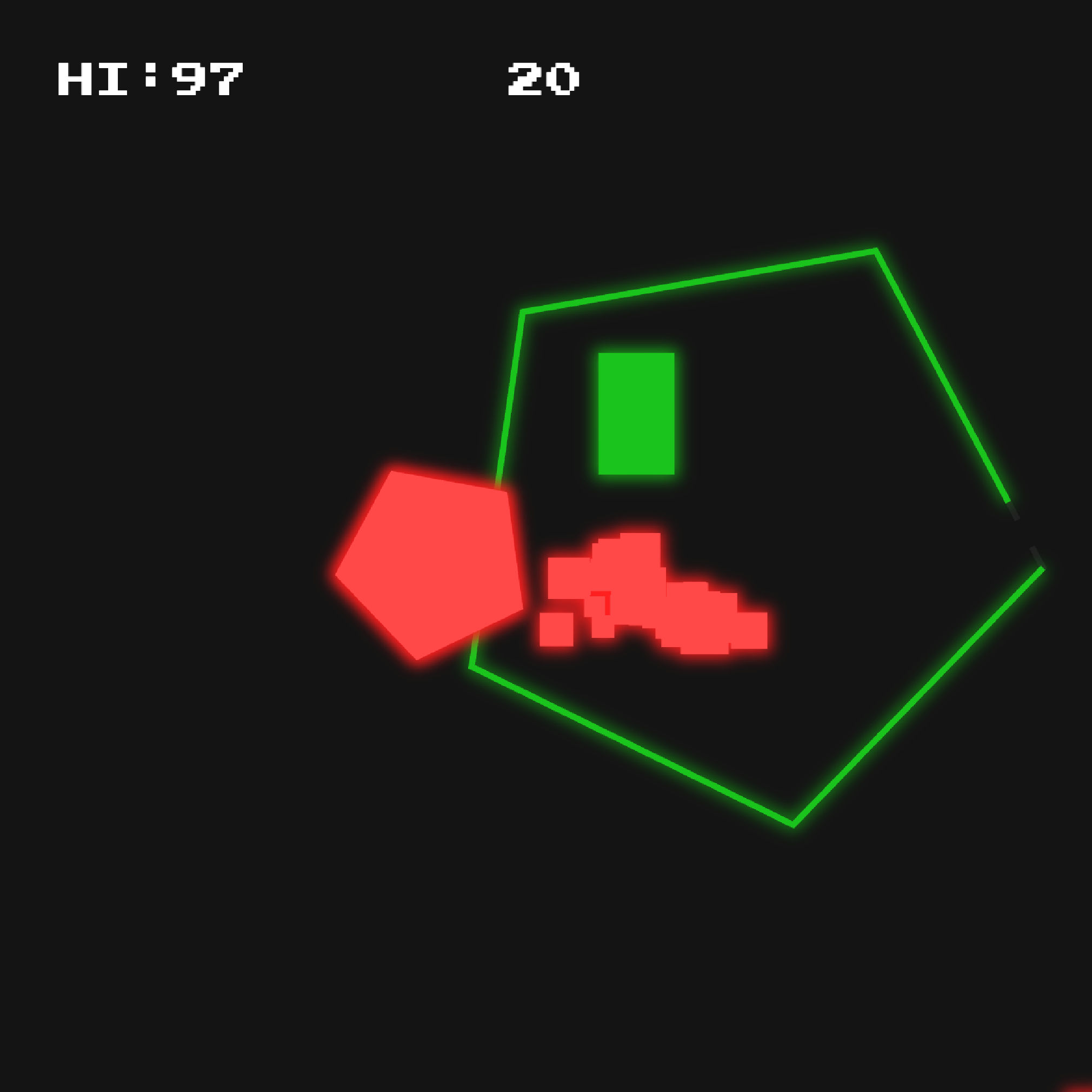
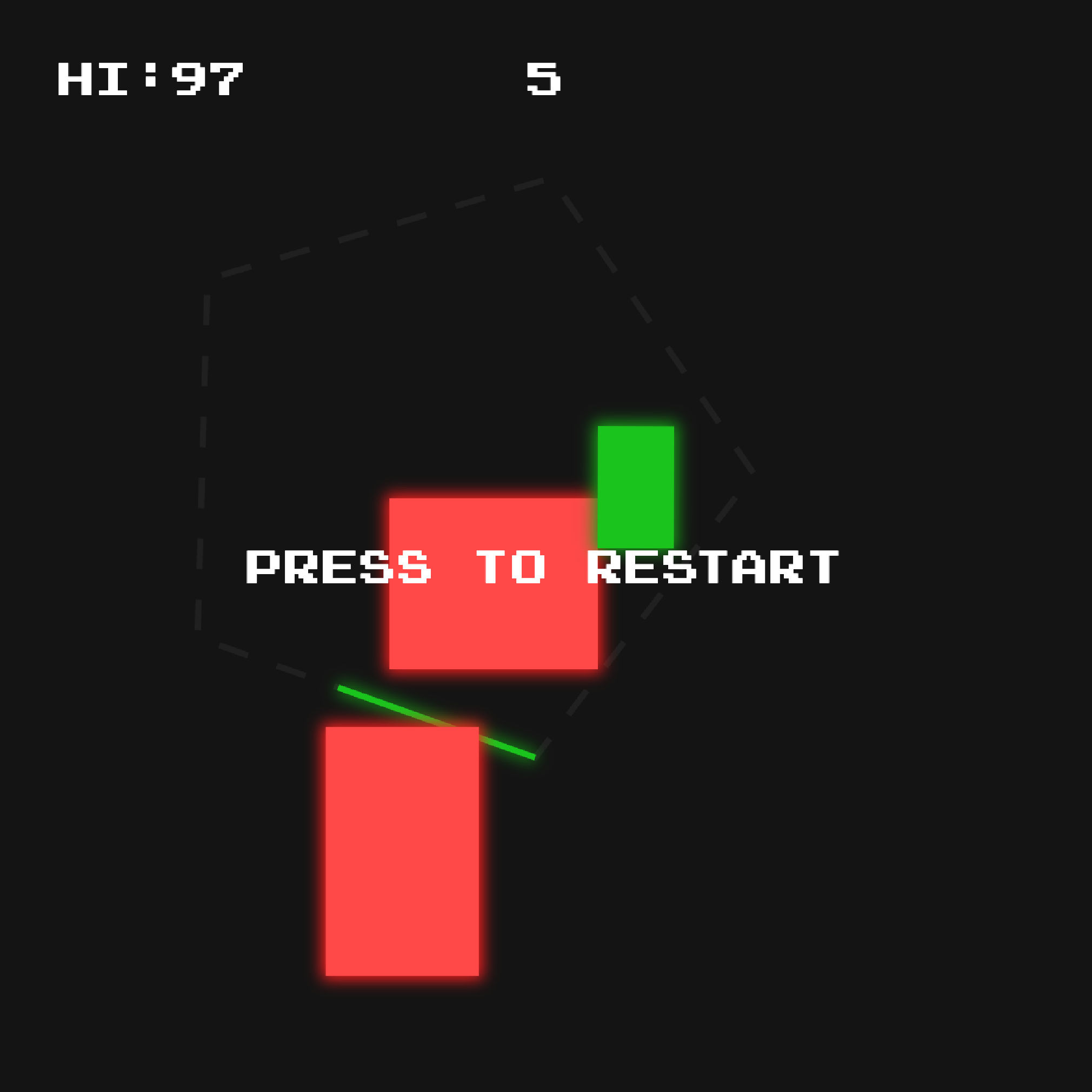
Blockmania 2 is a small arcade game in which you avoid obstacles on the screen. The project was intended to make a simpler version of my previous game (and one of my first) Blockmania. I aimed for the code to be neater and to have a mobile version, as the code in Blockmania wasn’t great.
The game was created over 5 months independently, alongside many other projects, so the entire development took only ten days.
Overview
I wanted to create a simpler version of my previous project, Blockmania, not changing core elements but adding various different obstacles.
The goals were to:
- Have a modular system to create obstacles
- Prioritise simplicity by stripping the game to its core
- Make the game mobile-friendly
In the end, I believe these goals were achieved:
Adding obstacles was easy and I managed to add five different types in the short time span. I am already implementing the architecture used in many other games.
The game is extremely simple and has no external menus. This way the player is always on the game screen.
The game is somewhat mobile-friendly, having a joystick to move the player when opened on mobile. However, it is much more difficult to play on mobile, something I had not accounted for.
Structure
For the structure I have an object containing all of the functions to spawn the various obstacles.
const obstacleSpawn = {
    Beam: () => Beam.spawn(player),
    Blocks: () => Blocks.spawn(player),
    BigBlocks: () => BigBlocks.spawn(player),
    Asteroids: () => Asteroids.spawn(player),
    Laser: () => Laser.spawn(player),
};
Then I can update the current obstacles simply by having the name of it in a string.
let currentObstacle = "Beam";
obstacleSpawn[currentObstacle]?.();
In future projects I have a similar structure to have different “pages” on the same canvas.
//Keeping the scenes in separate folders allows me to keep them contained
import * as Game from "./game/index.js";
import * as Menu from "./menu/index.js";

const scenes = {
    menu: Menu,
    game: Game,
};

let currentScene = "menu";

//Then I call the following functions in the scene only if they exist
scenes[currentScene]?.load?.();
scenes[currentScene]?.update?.();
scenes[currentScene]?.unload?.();
Lessons learnt
-
I learnt how to create a modular system which I have already begun implementing in other projects.
-
I also learnt that the mobile version of a game may need more assistance.